Explore the museum
Explore the extensive and ever-growing collection of trackers for each platform, featuring detailed information.
Explore the extensive and ever-growing collection of trackers for each platform, featuring detailed information.
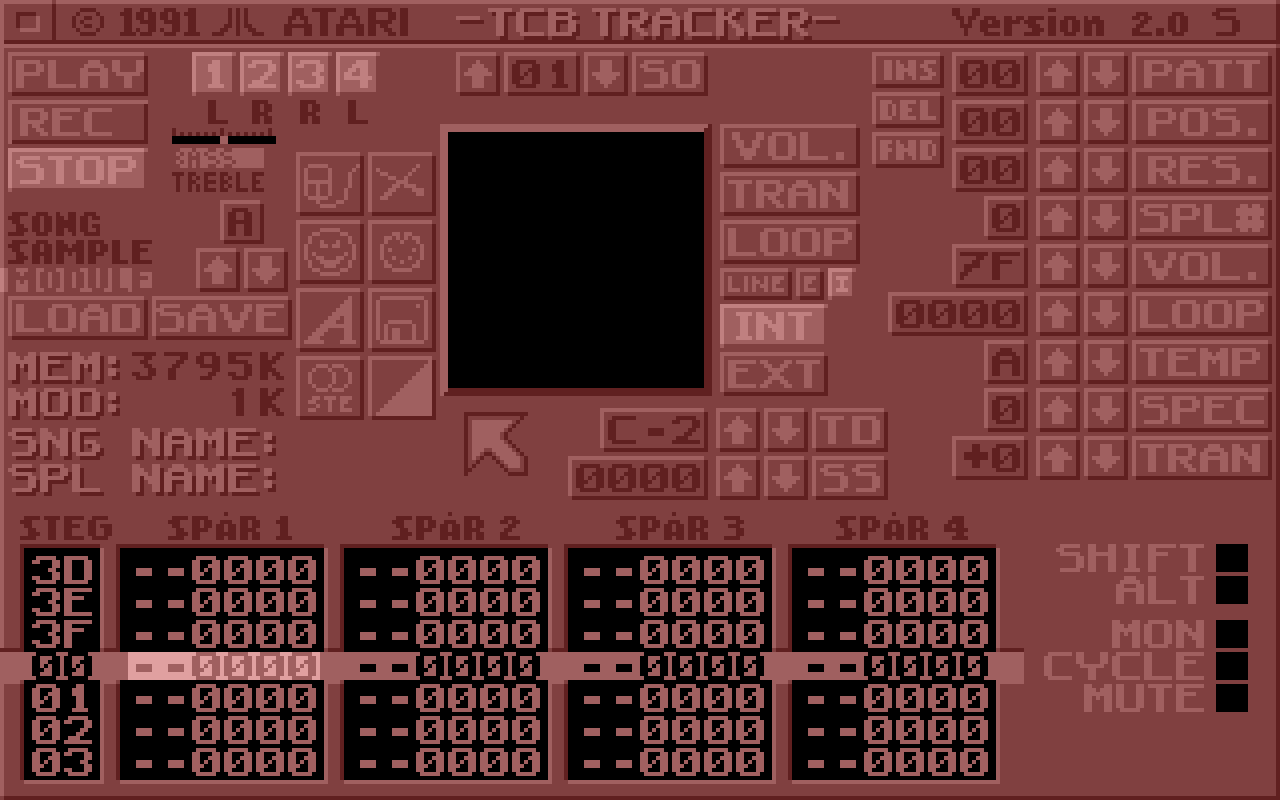
TCB Tracker 2.0S is a four-channel, sample-based music composition program for the Atari ST and STE, developed by Anders “AN COOL” Nilsson at Seabear Studios in Stockholm, Sweden. Its manual dates this version to September 1991 and credits Seabear Studios and Atari Corporation. Combining sequencing, sampled instruments and mixing controls, it offered Atari owners an integrated environment for composing music on their computer.
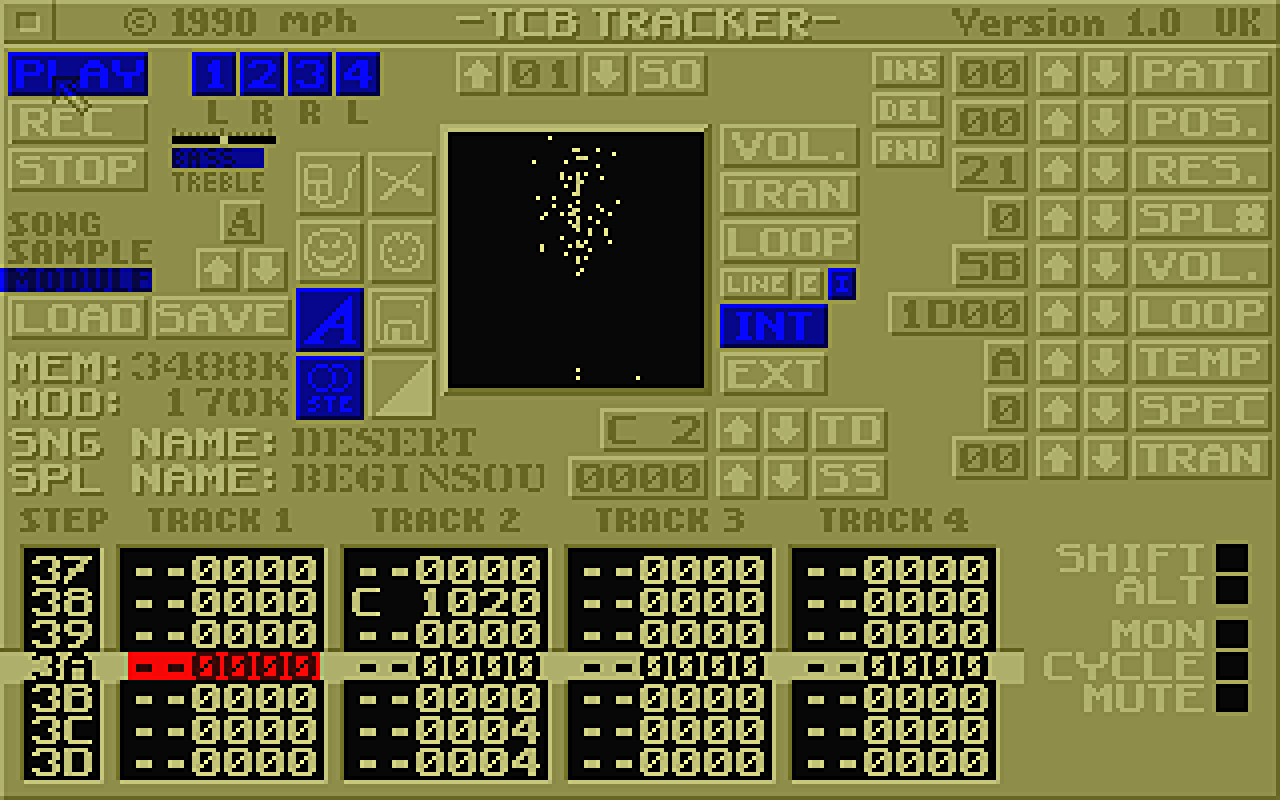
The program’s origins are closely connected to the Swedish demoscene. Nilsson was a member of The Carebears, the group behind the TCB initials. The earlier commercial release was sold by MPH in the United Kingdom in 1990. This connection makes TCB Tracker an interesting example of a demoscene programmer turning specialist creative and technical knowledge into a music application available to a wider audience.
At its heart, TCB Tracker uses four simultaneous playback tracks and a bank of up to sixteen samples. These are instrument slots, rather than sixteen simultaneous audio channels. A composition can contain up to 128 patterns, with a standard pattern containing 64 steps, and an arrangement of up to 128 positions. On the STE, stereo playback places tracks one and four on the left and tracks two and three on the right.
The underlying workflow combines deliberate programming with live performance. The original manual describes both step-by-step note entry and recording in real time, using either the computer keyboard or a connected MIDI keyboard. Musicians can build separate passages and then arrange them into a complete song. This makes it possible to reuse a rhythm or melodic phrase while developing variations around it, rather than entering an entire composition from beginning to end.
TCB Tracker was also designed to be approachable as a small music workstation. A contemporary review described loading supplied demonstration modules, experimenting with individual samples, recording melodies and refining the results through repeated playback. It noted that users with a Microdeal ST Replay cartridge could introduce their own captured sounds.
Although the reviewer criticised the mouse controls and acknowledged a learning curve, the program was presented as an affordable introduction to computer-based music making. These observations concern the earlier commercial release and provide useful context for the software’s development.
MIDI added another dimension to that approach. The original documentation explains how an external keyboard could enter notes and how incoming MIDI clock could synchronise the tracker with other equipment. It also explicitly states that the Atari’s MIDI output was unused in that version. This distinction is useful: MIDI support here should not automatically be interpreted as a complete external-instrument sequencing system.
One important preservation detail concerns its file format. TCB Tracker
modules can use the .MOD extension, but they are not standard
Amiga ProTracker modules. OpenMPT’s developers describe their internal
structure as entirely different and identify more than one variant.
Support was added to OpenMPT and libopenmpt following a December 2024
request, helping make these compositions accessible beyond their original
environment. A filename ending in .MOD is therefore not
sufficient to establish compatibility.
For Soundtracker Museum, TCB Tracker represents the meeting of demoscene creativity, home music production and software preservation. Its appeal lies in the relationship between a modest collection of sampled sounds and the musical possibilities of four carefully arranged tracks.
It documents an approach in which composing, listening and experimenting happened within the same compact workspace, inviting users to turn their Atari into an instrument.